Free, open-source code editor from Microsoft.
IntelliSense code completion for every language
Built-in debugging, Git, and terminal
Massive extension marketplace
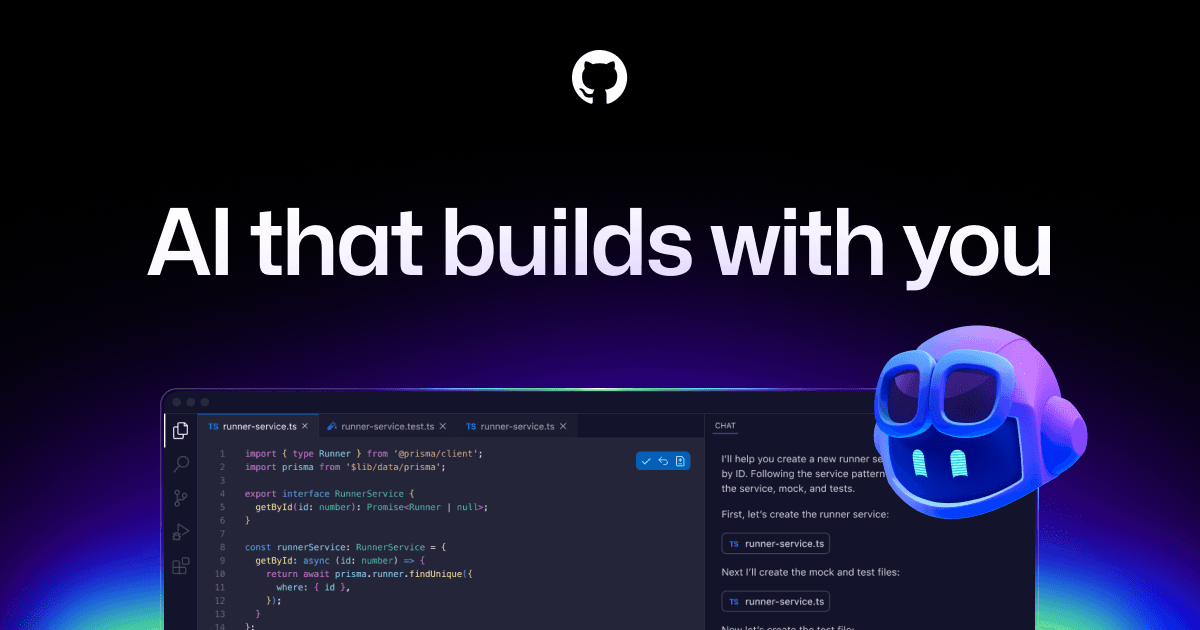
GitHub Copilot AI integration
Cross-platform: Mac, Windows, Linux, and web
Source: VS Code·Verified March 2026
GitHub Pull Requests and Issues extension for VS Code enables full PR management, issue tracking, branch management, and code review with inline comments.
Official Supabase VS Code extension with Copilot Chat participant. Inspect tables, generate migrations, browse storage.
Official GitLab Workflow extension. Create/review MRs, browse issues, run CI/CD pipelines from VS Code.
Official Expo Tools extension. Autocomplete for app.json/eas.json, config validation, native manifest previews.
Firebase Data Connect VS Code extension. Explore projects, manage Firestore rules, interact with services.
Official Tailwind CSS IntelliSense — autocomplete, syntax highlighting, hover previews, class conflict linting.
Cursor is built on VS Code — natively supports all VS Code extensions, keybindings, themes.
Linear VS Code extension — view, create, update issues from the editor.
GitHub Copilot integration for AI code suggestions, completions, and chat. IntelliSense AI-powered autocomplete.
Source: VS Code·Verified March 2026
The default code editor for developers. Free, extensible, and AI-powered with Copilot. If your business has developers, they probably already use it.
AI-generated training guides tailored to your team's size, skill level, and focus areas for VS Code — coming in v0.3.2.
View our roadmap →We're building a review system so business owners like you can share real experiences with VS Code.
Last researched: March 2026