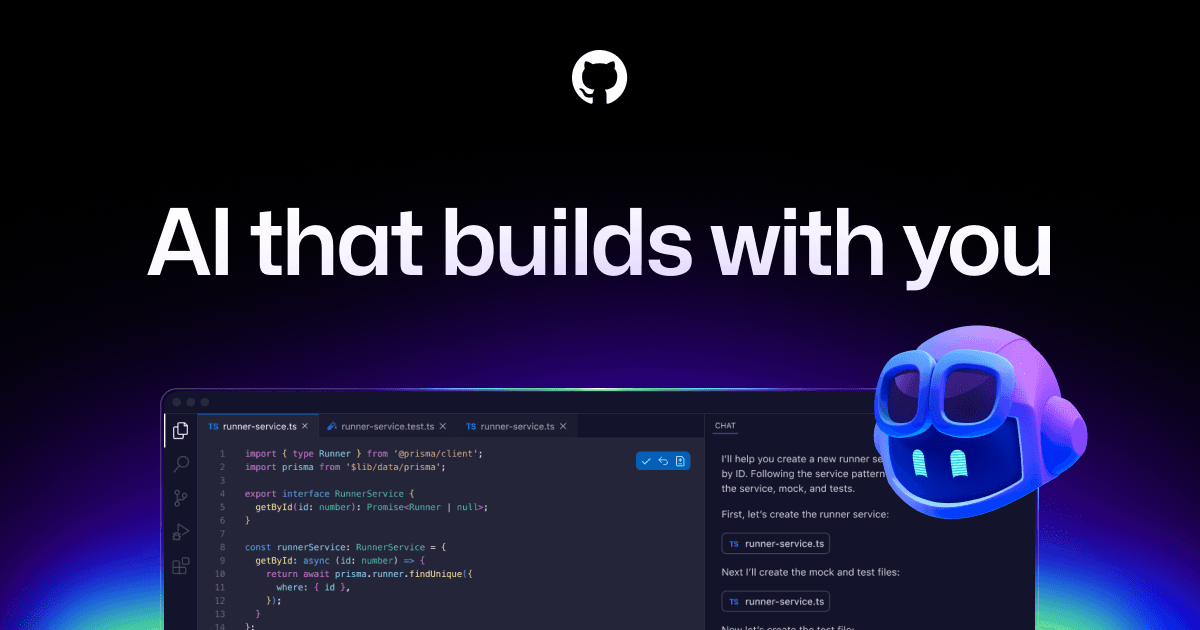
Cursor is an AI-powered code editor built as a fork of VS Code.
AI code completions that understand your entire project, not just the current file
Natural language editing across multiple files with Composer mode
Ask questions about your codebase and get accurate answers grounded in your code
Keep all VS Code extensions, keybindings, and themes — zero switching cost
Privacy Mode so none of your code is stored externally
Source: Cursor·Verified March 2026
AI at its core: full-codebase indexing for context-aware completions, Composer mode for multi-file edits via natural language, inline chat for explaining and debugging code, automatic bug detection, and support for GPT-4, Claude models with privacy-first architecture.
Source: Cursor·Verified March 2026
Cursor is the best AI code editor available for developers and technical teams. VS Code compatibility means zero switching cost, and the codebase-aware AI genuinely saves time writing, refactoring, and debugging. The $20/month Pro plan pays for itself in the first week. Only skip it if nobody on your team writes code.
A practical walkthrough demonstrating how to use Cursor's AI chat, autocomplete, and codebase features.
A collection of beginner tutorials showing how to use Cursor's AI features to write and edit code faster.
Cursor's official blog with updates, feature deep-dives, and tips for getting the most from the AI editor.
Official Cursor docs explaining AI-powered code editing features, keyboard shortcuts, and configuration.
AI-generated training guides tailored to your team's size, skill level, and focus areas for Cursor — coming in v0.3.2.
View our roadmap →We're building a review system so business owners like you can share real experiences with Cursor.
Last researched: March 2026