Snapr lets you take screenshots, record your screen, and annotate everything — all from one keyboard shortcut.
Capture screenshots, screen recordings, and iOS device recordings from a single shortcut
Record up to 4K 60fps with hardware-accelerated encoding on Mac and Windows
Annotate images and video frames with arrows, boxes, text, pixelate, and more
Scroll-capture long pages and stitch them into one seamless image or PDF
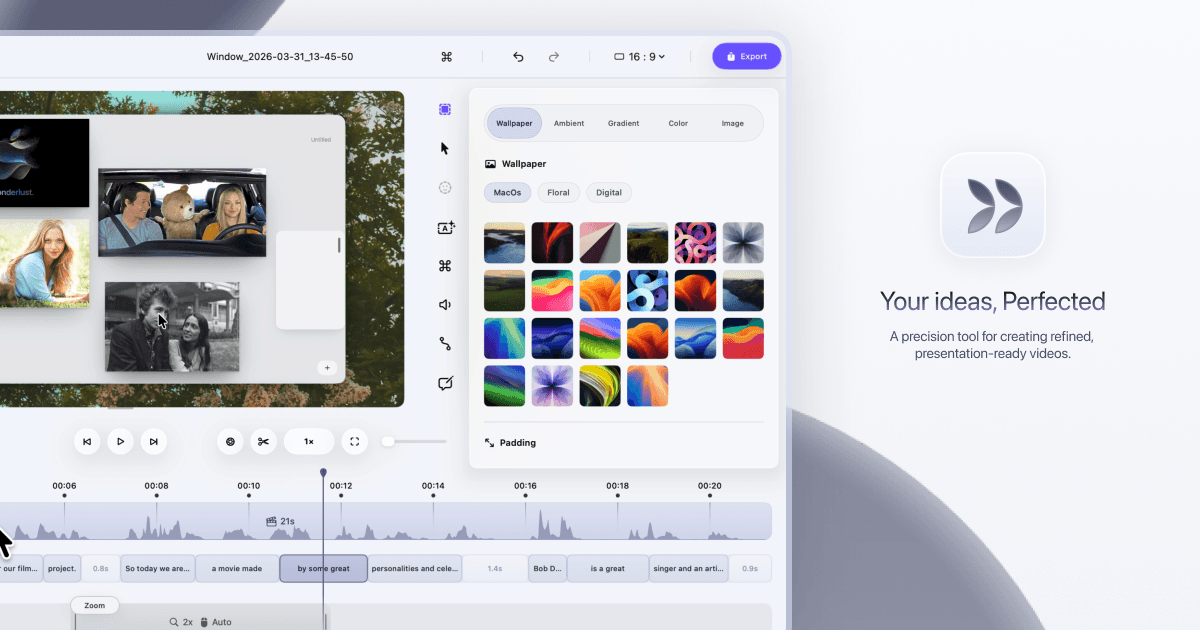
Add cinematic zoom, custom cursors, click effects, and speed ramps to recordings
Works fully offline — no cloud, no telemetry on your captures
Source: snapr.pineple.com·Verified May 2026
No integrations listed yet for Snapr.
This tool does not currently include AI features.
We update tool profiles regularly. Check back for changes or explore our AI Tools category for AI-powered alternatives.
Snapr is a solid pick for small teams that regularly create tutorials, product demos, bug reports, or onboarding videos. You get a lot of capability — 4K recording, scroll capture, cinematic zoom — for a one-time price that undercuts most subscription tools. The tradeoff is that it's a newer app without a long track record, so if you need rock-solid reliability for client-facing work, give it a few more version cycles before going all-in.
AI-generated training guides tailored to your team's size, skill level, and focus areas for Snapr — coming in v0.3.2.
View our roadmap →We're building a review system so business owners like you can share real experiences with Snapr.
Last researched: May 2026